Productivity
Why the Simplest Notes App Is Sometimes the Only One You Need
Keep My Notes is a lightweight notepad app for quick thoughts, checklists, and reminders — here's what it covers, and where its no-login, offline-first approach actually makes sense.
About this app
Sometimes you don't need a second brain, a database, or a productivity system with seventeen configuration options. You need to write down that you're out of milk before you forget, or jot the name of a book someone mentioned at lunch. Keep My Notes is built for exactly that kind of moment.
A notepad, not a productivity system
This app doesn't try to be a full project-management tool wearing a note-taking costume — it's closer to the notepad you used to keep in a kitchen drawer, just digital. Open it, start typing, and the note exists. No folders to set up first, no tags to configure, no account to create. For students jotting down lecture points or anyone journaling on the fly, that lack of ceremony is the whole appeal.
The features that actually matter day to day
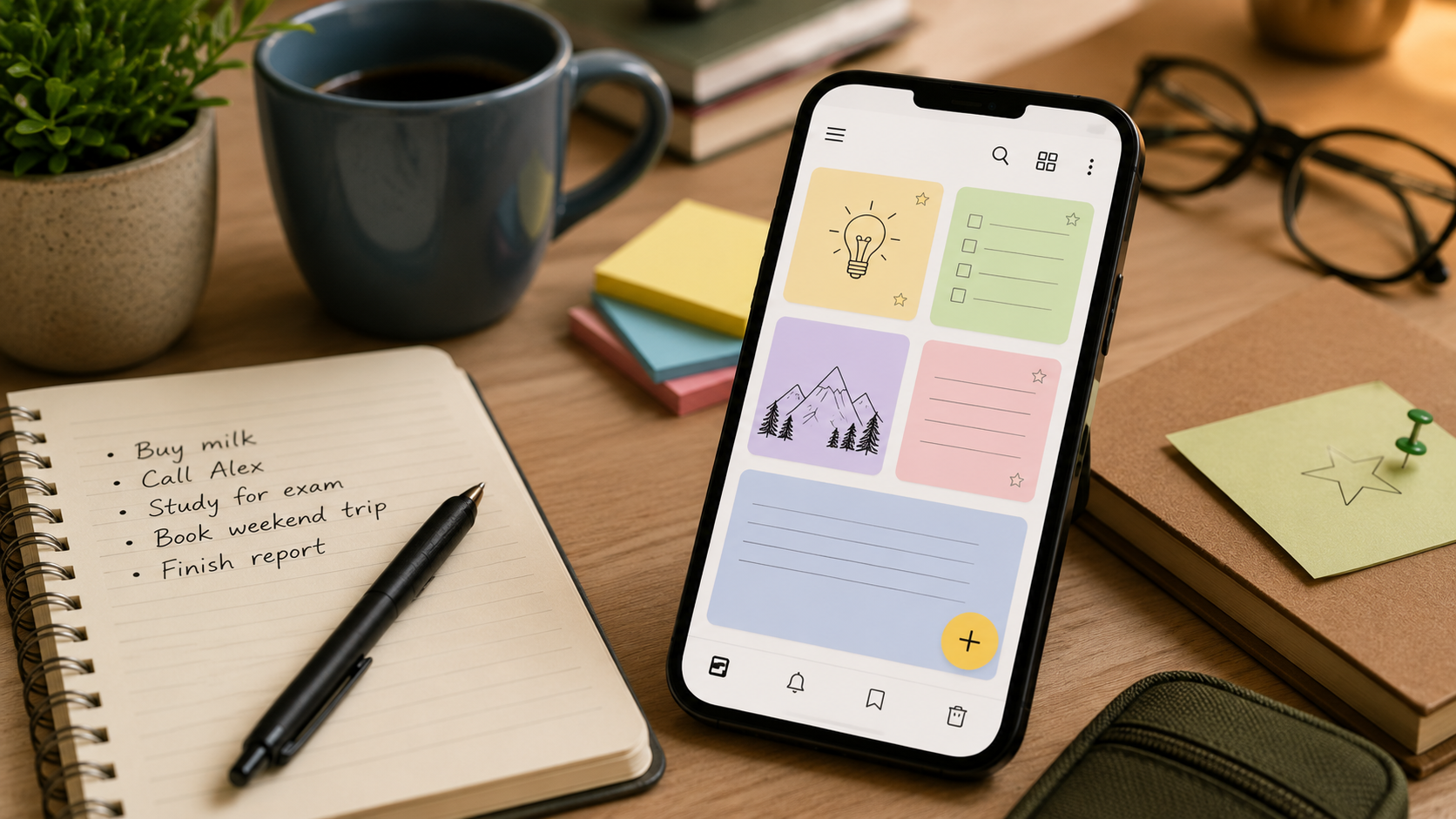
- Auto-save on everything you type – there's no save button to forget to press, so a dead battery or an accidental back-swipe won't cost you a note.
- Unlimited notes – no cap on how many you create, so you're not stuck deleting old ones to make room for new ones.
- Checklists – built for grocery runs, packing lists, or breaking a task into steps you can actually check off.
- Bookmarks – pin the notes you reference constantly so they're not buried under a week's worth of scattered thoughts.
- A recycle bin – deleted a note by mistake? It's recoverable instead of gone for good.
- PDF export – turn a note into a shareable, printable document in a couple of taps.
- Reminders – attach a reminder to a note so a deadline or appointment doesn't quietly slip past you.
Who this is actually for
It's a free app with ads and in-app purchases, worth knowing since a note-taking app that interrupts your train of thought with an ad is a slightly different experience than one that doesn't. It works entirely offline and doesn't require a login, so there's no account to lose access to and no sync dependency if you're the type who doesn't trust cloud services with a to-do list. Reviews put it at 3.8 stars from around 550 people — solid rather than spectacular, which tracks for an app whose entire pitch is doing one thing simply instead of doing everything.
If your note-taking needs are more capture-it-before-I-forget than organize-my-entire-life, a stripped-down notepad like this one will probably serve you better than a heavier app you only end up using a fraction of.