
Entertainment
Got a Great Idea for a Reel But Can't Edit Video? Here's the Shortcut
AI Video Generator turns a ready-made template into a finished clip — no prompt to write, no timeline, no editing software, just pick a style, adjust the motion, and export.
About this app
It's almost midnight and you finally have a caption idea for tomorrow's post. The problem is you have zero footage, zero motion graphics skills, and a phone battery already at 40%. That's the exact gap AI Video Generator is built to fill — pick a template instead of staring at a blank page, and it hands you back a finished clip.
What it actually does once you open it
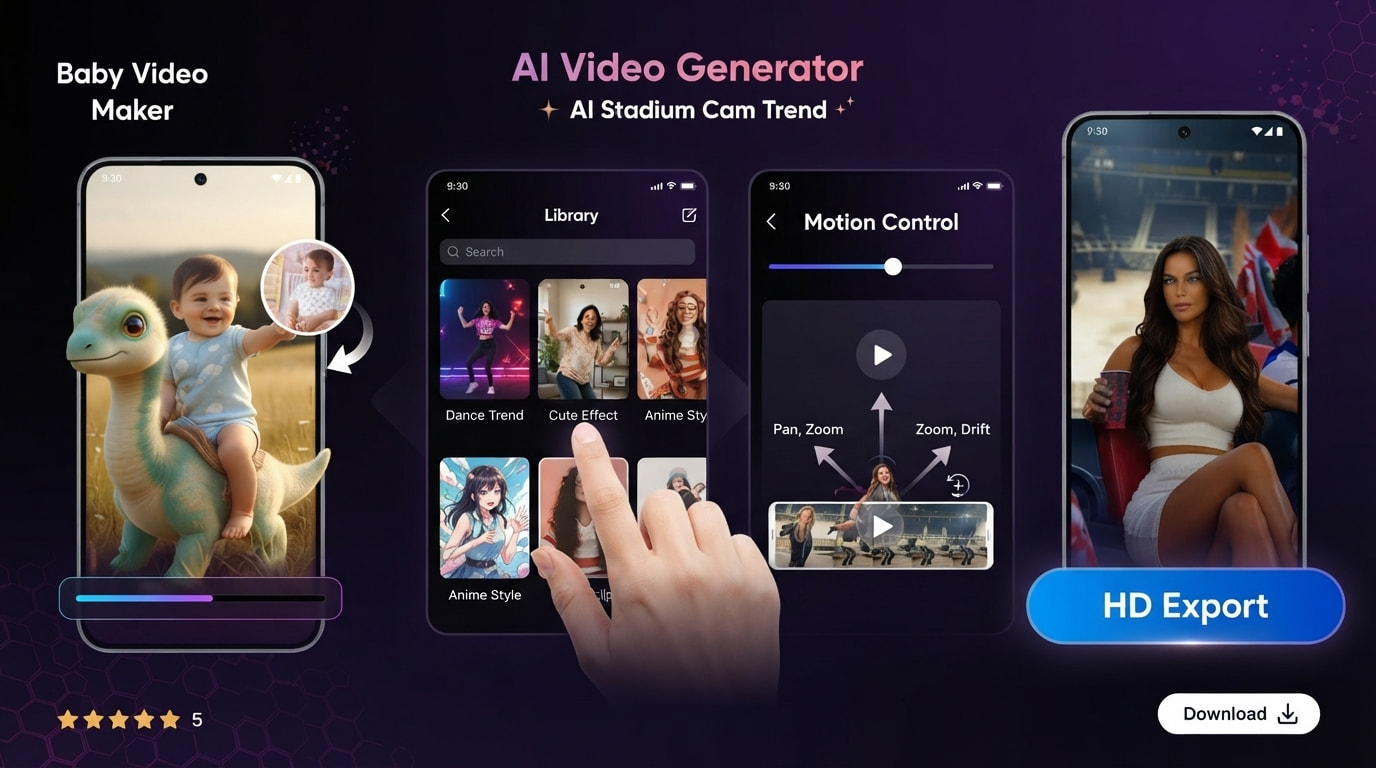
Strip away the marketing language and AI Video Generator is a template-first video maker, not a type-a-prompt-and-hope tool. There's no text box asking you to describe a scene — you browse a library of ready-made templates sorted by mood and style, pick the one that already looks like what you're going for, and the app builds a short clip around that structure using one of its AI visual styles: cinematic, anime, cartoon, fantasy, that sort of range.
Where it earns its keep
- Template-based video creation: choose from a library of ready-made templates instead of typing a prompt and hoping the render matches what you pictured.
- Motion control on the clip: fine-tune how the scene moves — pan, zoom, drift — instead of being stuck with whatever motion the template shipped with.
- Template library built for short-form: reels, shorts, and quick promo cuts are pre-sized and pre-paced, so you are not guessing at aspect ratios.
- Style switching: the same template can come out cinematic, anime, or cartoon-styled, which is handy when you are testing what actually gets engagement.
- HD export: finished clips download in a resolution that does not look mushy once a platform re-compresses it.
Worth knowing before you install
This one is early days — think 10K+ installs and just under 600 ratings sitting around a 4.06 average, so treat it as promising rather than proven. It is free to download but leans on ads and in-app purchases to stay that way, which is standard for this category. Content rating is 3+, and generation speed will depend heavily on your connection and device, since the actual rendering happens off your phone.
If you have been putting off making video content because you do not own editing software or the patience to learn it, this is the kind of app that lowers the bar enough to actually get something posted. Scrolling a template list and nudging the motion controls is a lot less intimidating than a blank prompt box, and for quick, disposable clips made with AI Video Generator, it does the one job it promises.