
Utilities
Lost Your Phone Somewhere in the House Again? Here's the Fix
A look at how the Find My Phone clap and whistle app helps you locate a misplaced phone in seconds, plus the flash alert and call-blocking tools bundled alongside it.
About this app
You know the drill: phone's somewhere in the house, ringer's off because you muted it during a meeting three hours ago, and now you're patting down couch cushions like you're frisking furniture for a crime. A second phone to call it would help, except you don't have one handy.
What this app actually does
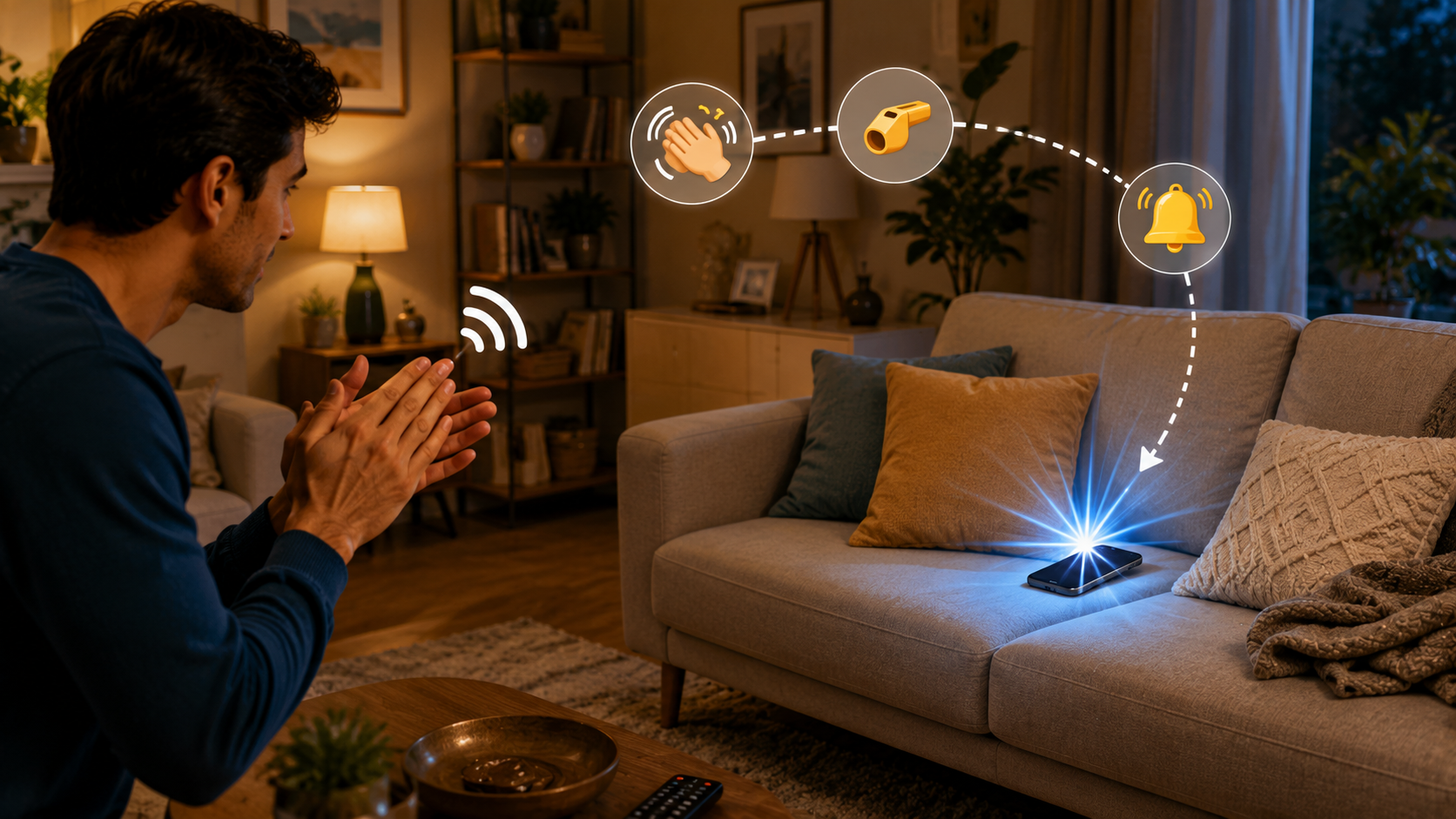
Find My Phone: Clap & Whistle skips the call-your-own-number workaround entirely and just listens for a sound cue instead — a sharp clap or a whistle — then sets off a loud alert plus a flashing light so you can zero in on where the phone actually is. You pick the sensitivity so it's not triggered by a slammed door or a dog barking, and you can tune the flash blink speed too, which helps if you're hunting for it in a dark room rather than a noisy one.
More than just clap-to-find
- Multiple detection modes – Clap to Find, Whistle to Find, Don't Touch, and Pocket Mode cover different situations, depending on whether you want a sound trigger or a motion trigger.
- Flash alerts for calls and texts – the camera flash blinks for incoming calls or messages, useful if you keep your phone on silent most of the day.
- A caller and SMS announcer – the app reads out who's calling or texting, so you don't have to glance at the screen every time it buzzes.
- Call blocking – add nuisance numbers to a blocklist and they're filtered out before they ring through.
- Charging and battery alerts – a notification when the phone is plugged in, unplugged, or running low, with an optional PIN lock while it's charging.
- A don't-touch-my-phone alarm – if someone picks it up or moves it off a table, it sounds off, with adjustable tone and volume.
Worth knowing before you install
It's a free app supported by ads, and it also offers in-app purchases if you want extras, so expect the occasional interruption between features. It asks for accessibility permissions to power the flash alerts on incoming notifications, which is a broader permission than some people are comfortable granting — worth knowing going in. To its credit, the developer states plainly that no data is collected, stored, or shared, which is refreshing for a utility app in this category. It's rated for all ages, and at 100K+ downloads it's clearly found an audience of people who've lost a phone in a couch cushion at least once.
If your phone's disappearing act is a semi-regular event, this is a cheap, low-effort fix — clap, whistle, or just don't move it in the first place, and let the app handle the rest.