
Utilities
How to Mirror Your Phone Screen to a Smart TV Without Buying Any New Hardware
A practical guide to screen mirroring your Android phone to a smart TV over Wi-Fi, covering what actually casts well, what does not, and why the audio might go quiet.
About this app
Someone pulls up a video on their phone that the whole room wants to see, and everyone ends up crowded around a six-inch screen squinting at it. A smart TV sitting three feet away does nothing unless you actually know how to get your phone onto it.
What screen mirroring is actually doing
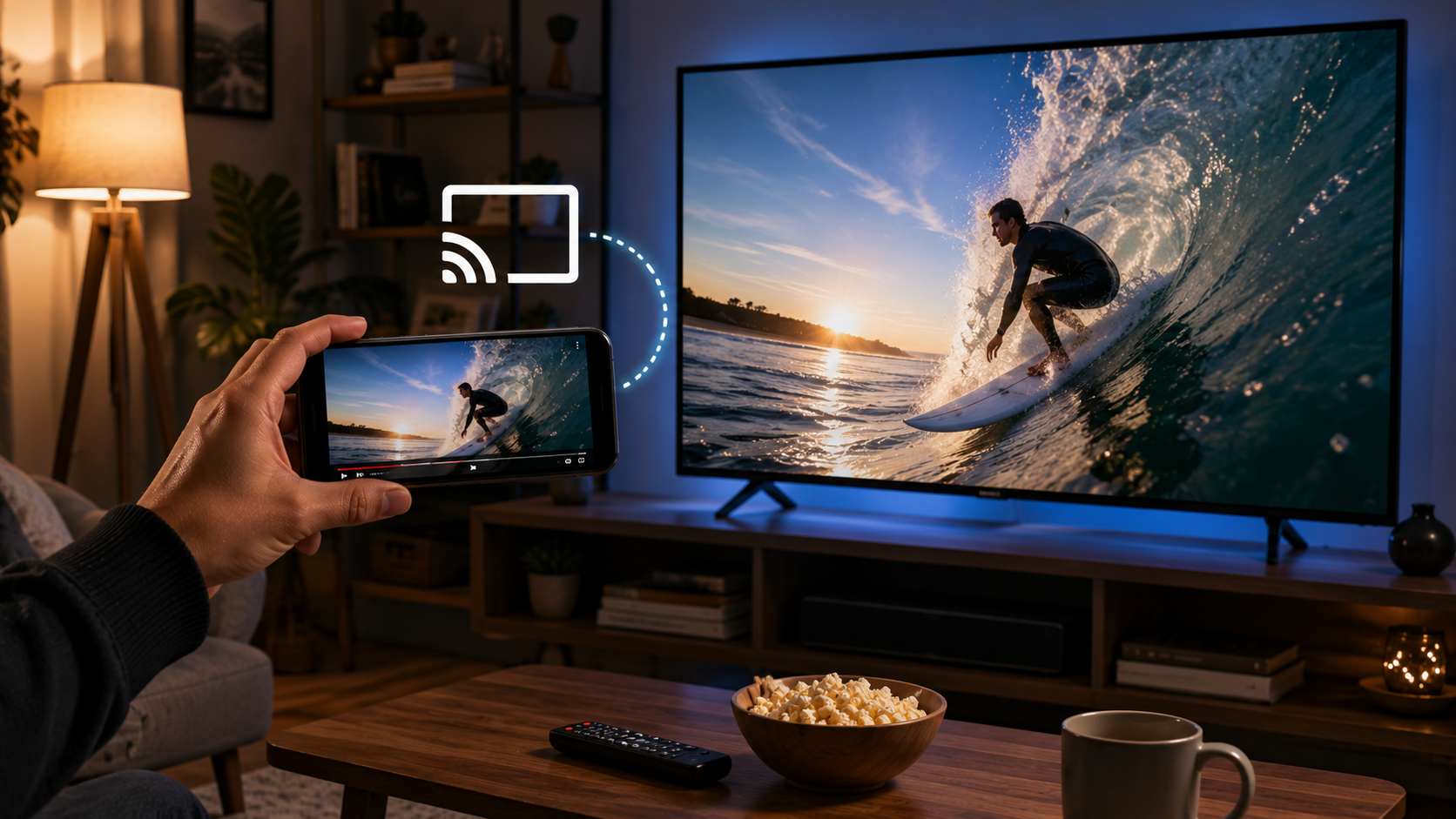
Screen Mirroring: Cast Smart Tv connects your phone and TV over the same Wi-Fi network and pushes a live copy of your screen to the television. No cable, no separate streaming stick required if your TV already supports casting. Open a video, browse photos, or run a slideshow on your phone, and it shows up on the big screen in roughly real time.
What it handles well
- One-tap connecting – link your phone to the TV once it detects it on the network, then start mirroring with a single button.
- Photo and video casting – push your camera roll straight to the TV for a slideshow instead of passing the phone around.
- Full-screen mirroring – whatever app is open on your phone gets mirrored, which is handy for games or apps that do not have their own casting built in.
- Broad smart TV support – built to work across a range of smart TV brands rather than locking you into one ecosystem.
A few honest notes
This one contains ads and offers in-app purchases, and it needs a genuinely active internet connection on both devices to work at all — this is not a Bluetooth-only, offline sort of app. Worth flagging clearly: it mirrors your screen but does not carry your phone's audio over to the TV, so if you're expecting sound to follow the picture, it won't. A handful of older smart TVs with limited browsers also won't play nicely with it. Rated for all ages, which fits, since it is really just a display tool.
For the specific job of getting what is on your phone onto a bigger screen without new hardware, screen mirroring like this does exactly what it promises. Just plug in a speaker or keep the TV volume separate if audio matters to you.