
Security
Tired of People Scrolling Through Your Camera Roll? Here's How to Actually Hide Photos and Videos
A hands-on look at what Gallery - AI Photo Editor actually does when you want to hide photos and videos, recover deleted ones, and clean up duplicate files without losing your mind.
About this app
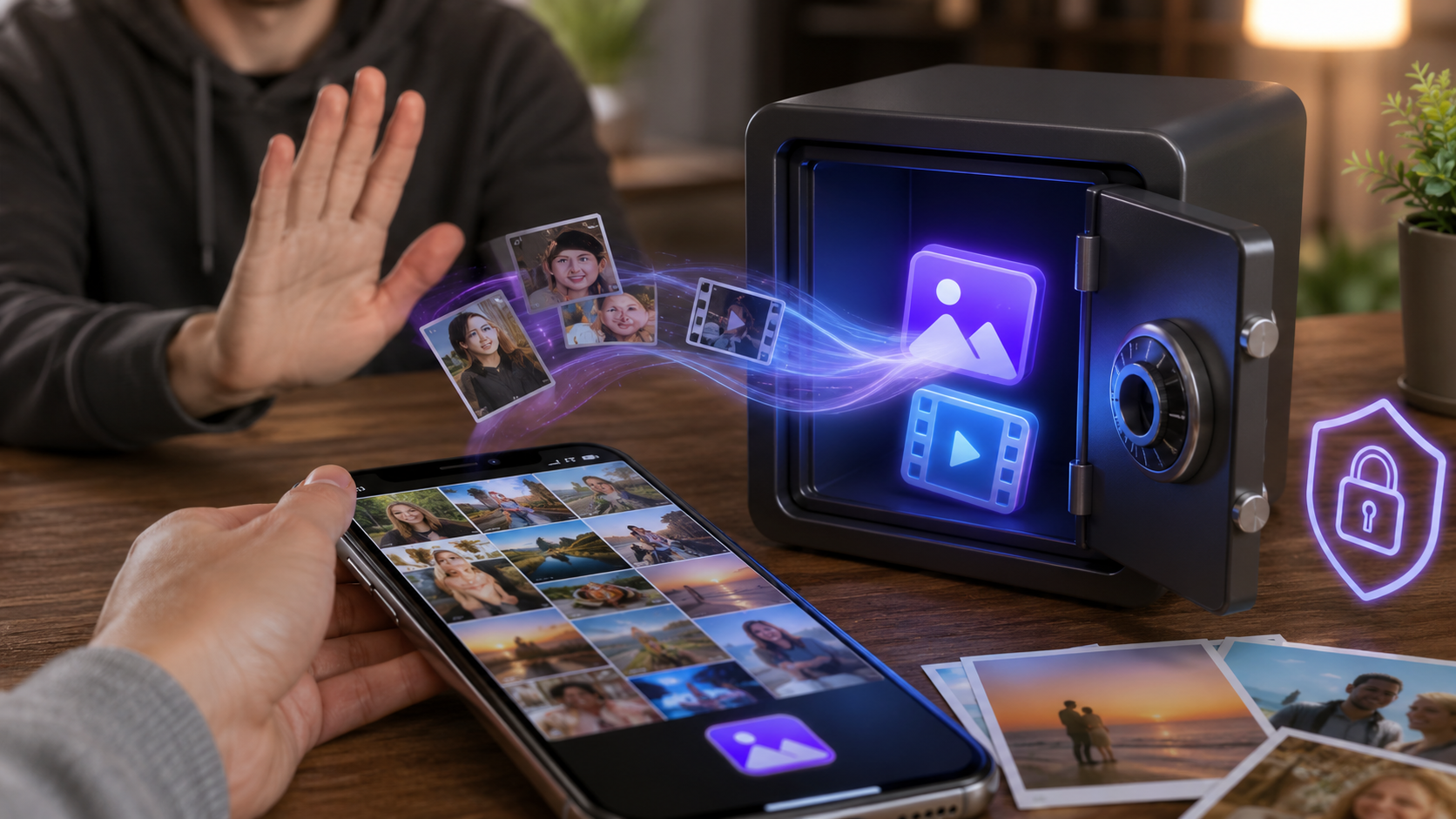
Someone hands you their phone to show you a photo from the weekend, and you do the same right back — except your thumb hesitates for half a second before you unlock the gallery, because you know exactly what's three swipes away. That hesitation is basically the entire reason apps like Gallery - AI Photo Editor exist.
What This Gallery App Is Actually Trying To Solve
Underneath the name, this is a gallery replacement built around one core idea: not every photo on your phone needs to be visible to whoever picks it up. It works like a normal photo and video album app for browsing, organizing, and editing your pictures, but it also lets you move specific files into a locked vault that sits outside the regular gallery entirely. Screenshots, old chats you photographed, documents, whatever you'd rather keep to yourself — you tuck it away once and stop worrying about it.
What You Can Actually Do With It
- Hide photos and videos behind a PIN or pattern — move files out of the visible gallery into a private vault that isn't obvious from the home screen.
- Recover deleted photos — if you or someone else wiped an image by accident, there's a recovery flow built in instead of downloading a separate app for it.
- Find and remove duplicate files — the app scans your storage for repeated photos and videos, which on most phones frees up a surprising amount of space.
- Edit and organize by location and date — photos get grouped into a timeline, and basic editing tools like auto-enhance are built right in.
- Jot quick notes in the same app — a small built-in notepad for lists or reminders, so you're not juggling a separate app for that.
Worth Knowing Before You Install
This is a free app with ads and optional in-app purchases, and it's rated for everyone (3+), so there's no age gate stopping a kid from opening it. The vault is a genuine privacy feature, not full-blown encryption — it's meant to stop casual snooping from friends, family, or a phone left on a table, not a serious security threat. If you're hiding something because you're worried about a specific person with technical skills or physical access to your unlocked phone, treat this as a first layer, not the whole wall.
For the ordinary case — keeping a folder of photos and videos away from casual eyes while also cleaning up duplicate clutter and getting your gallery organized — it does the job without asking you to think too hard about it. Set the PIN, move the files, and go back to handing your phone to people without that half-second of hesitation.