
Productivity
The Lecture You Half-Listened To Doesn't Have to Be Gone Forever
A practical look at Voice Recorder - Sound Record, the no-frills voice recorder app for lectures, meetings and stray ideas you don't want to lose.
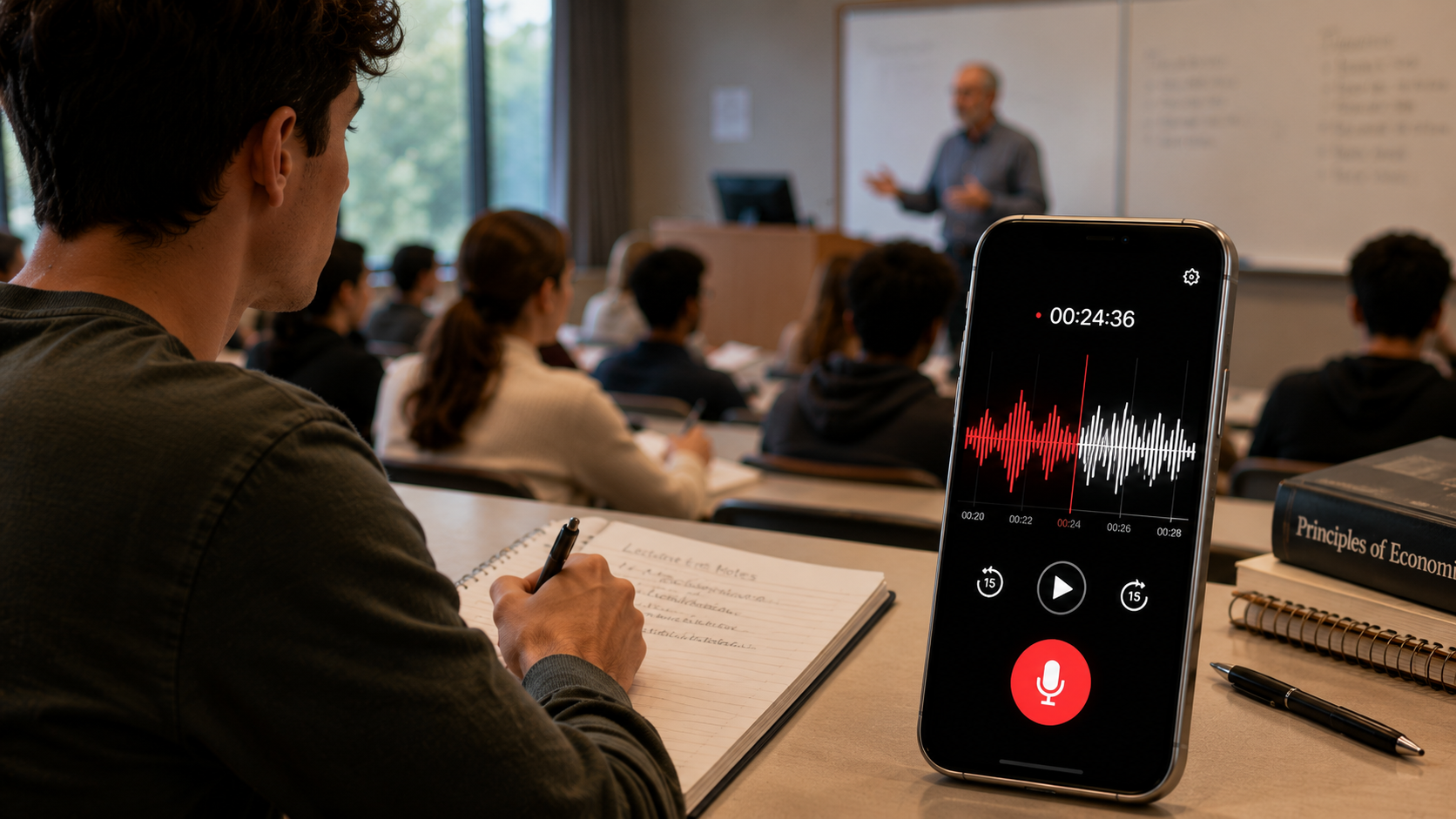
About this app
Somewhere around minute twenty of a lecture or a meeting, attention drifts, and whatever gets said in that gap is just gone unless something was recording it. This app doesn't try to be a podcast studio or add effects and editing — it's one big record button, real-time sound waves so you can see it's actually capturing audio, and a save that happens automatically the moment you stop. Open it, tap once, talk, tap again, done.
Where a Voice Recorder Actually Earns Its Keep
- One-tap recording: start and stop with a single button, no menus to navigate while someone's already talking.
- Full playback controls: play, pause, resume or stop a recording afterward instead of only getting a single uninterrupted playback.
- Favoriting important recordings: mark the ones you'll need again, a specific meeting, a lecture before an exam, so they're not buried under everything else.
- Renaming and sharing files: swap a timestamp filename for something you'll actually recognize later, then send it straight to someone else.
- Adjustable recording quality: dial quality up or down depending on what your device's microphone can actually handle.
Worth Knowing Going In
It's free with ads and some in-app purchases, rated for all ages, and sitting at a solid 4.1 from its reviewers, which for a single-purpose tool app is a decent sign. One real caveat the developer is upfront about: recording quality depends entirely on your phone's microphone, so if your device's mic is mediocre, no app setting fixes that, and this isn't a transcription tool — it saves audio, it doesn't turn it into text. Students recording lectures, people logging client calls, anyone who's had a good idea in the shower and needed to say it out loud before it vanished — a voice recorder earns its spot on a phone by doing one thing without getting in the way while doing it.