
Utilities
Can You Actually Recover a Deleted WhatsApp Message? Here's What This App Really Does
Recover Deleted Messages promises to help you get back deleted texts, photos and status updates — here's exactly how the recovery works and what it can't do.
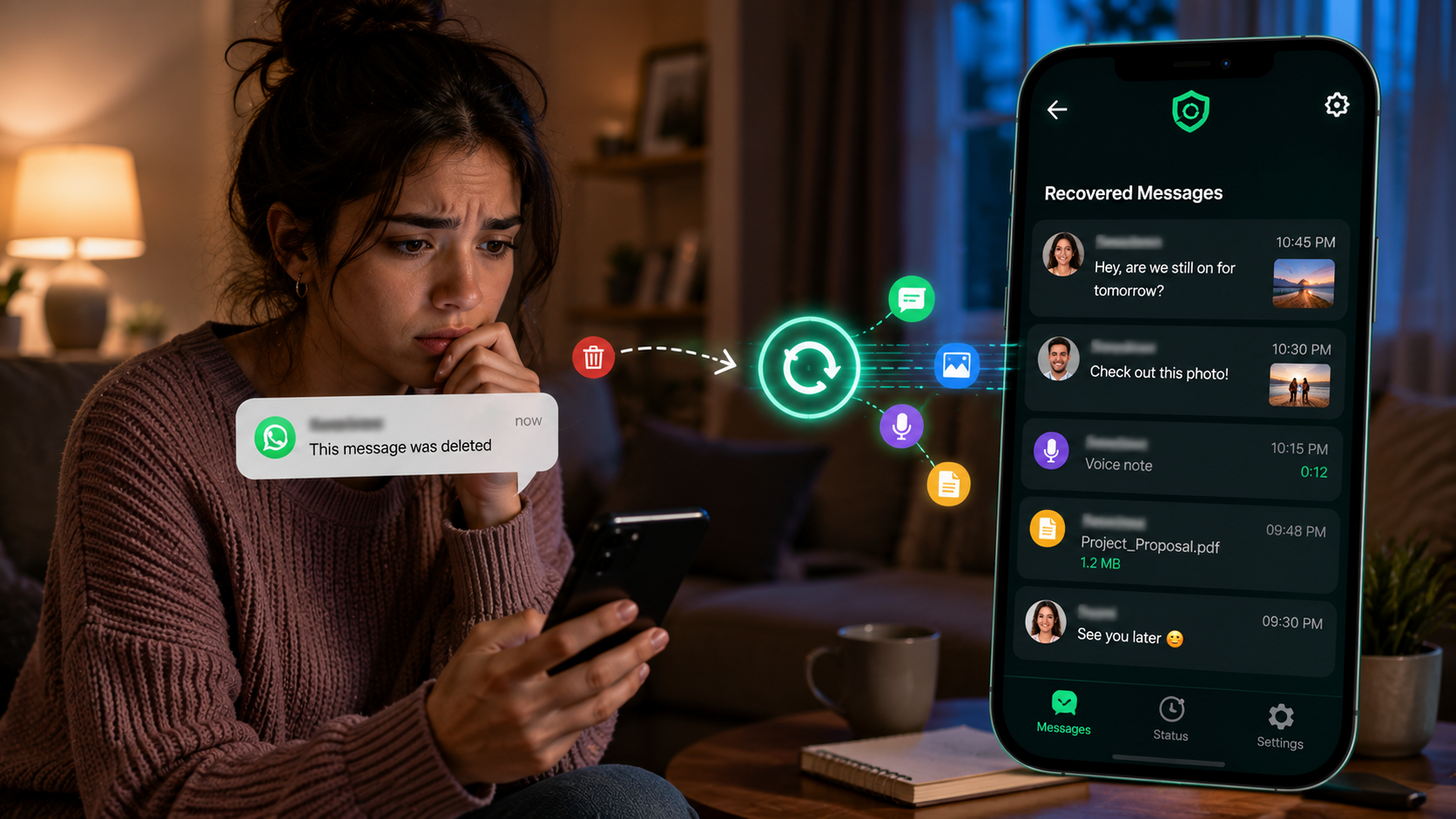
About this app
Someone deletes a message right after you see the notification pop up, and now you're left wondering what it actually said. That specific kind of frustration — wondering what you just missed — is exactly what this app is built around.
How Recovery Actually Works Here
This is the part people get wrong going in, so it's worth being precise: the app doesn't reach into WhatsApp or Instagram and pull back something that's already been wiped from your phone. What it does is monitor your notifications in the background, and if a message or status shows up in a notification before the sender deletes it, the app has already captured a copy. Delete the message on their end all you want; you've still got what came through.
What You Can Actually Do With It
- Catch deleted texts and media: photos, videos, voice notes and documents that came through as notifications get saved before the sender's delete request catches up.
- Bookmark statuses you want to keep: save a status update you liked before it disappears in 24 hours, no screenshotting required.
- Browse a simple recovery feed: everything captured shows up in one place instead of buried in a notification tray you've already cleared.
- Run quietly in the background: with battery optimization and auto-start permissions granted, it keeps working without you having to open it constantly.
The Honest Limits Here
The developer says this outright and it's worth repeating: this app cannot access messages that were deleted before it ever saw them as a notification. If your phone was off, the app wasn't running, or notification access wasn't granted at the time, there's nothing to recover — the message is gone, same as it would be without the app installed. It also needs a fair number of permissions to work: notification access, storage, folder access, and permission to ignore battery restrictions. That's a real ask, and it's worth understanding why each one exists before granting it. It's free with ads and some in-app purchases, rated for all ages, and honestly, it's less a magic recovery tool than a notification logger with a friendlier interface — for the very common case of wanting to know what came through right before it vanished, that's exactly the job it does.