
Productivity
How to Read, Edit, and Scan PDFs Without Juggling Five Different Apps
A straight-talking look at using a single PDF reader and editor to scan, convert, sign, and manage documents from your phone, so you stop hunting for the right app every time a file lands in your inbox.
About this app
You're standing in a parking lot trying to open a rental agreement someone emailed you, and your phone either can't render it properly or wants to open it in three different apps before you can even see page one. This is the exact gap a decent PDF reader is supposed to close.
What this one is actually built to do
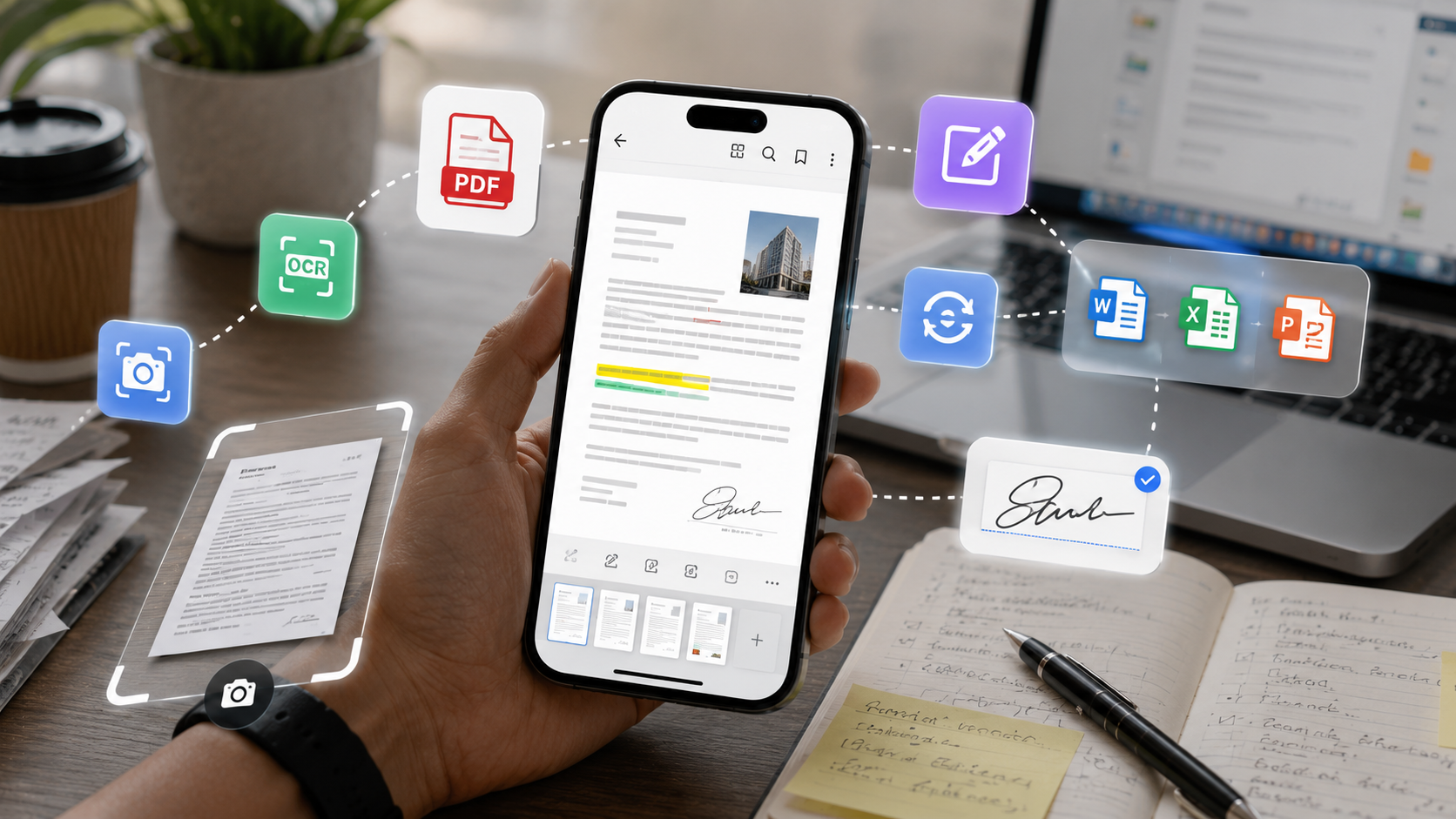
PDF Reader : Edit & View is less a single-purpose viewer and more a phone-sized office in your pocket. It opens PDFs cleanly, sure, but it also scans paper documents, edits Word and Excel files, and converts between formats without you needing to email anything to yourself first. The idea is that whatever document lands on your phone, whatever its format, you shouldn't need to go looking for a second app to deal with it.
The features that actually get used
- Document scanning with OCR – point your camera at a receipt, contract, or handwritten note and get a clean digital copy with text you can actually search and copy.
- Format conversion – turn a Word doc into a PDF for sending, or pull a PDF back into an editable file when someone asks for changes.
- Merge, split, and compress – combine a pile of scanned pages into one document, or shrink a bloated PDF before an email attachment limit rejects it.
- Annotation and signatures – highlight sections, drop in sticky notes, and sign contracts with a finger instead of printing anything out.
- A basic office suite – open and edit Word, Excel, and PowerPoint files directly, which matters more than it sounds like when you are away from a laptop.
Worth knowing before you install
This is a free download with ads and optional in-app purchases, which is standard for a tool this broad — expect the occasional interstitial between actions, and a premium tier if you want them gone. It's rated for all ages and has already cleared a million installs, so the rough edges you'd expect from a lesser-known scanner app have mostly been sanded down. It won't replace a desktop PDF editor for heavy legal redlining, but for the day-to-day churn of scanning, signing, and converting files, that's not really the job it's trying to do.
The real value here is not any one feature but the fact that scanner, PDF reader, and office viewer live in the same place, so you stop bouncing between apps every time a document changes format on you.